Appearance
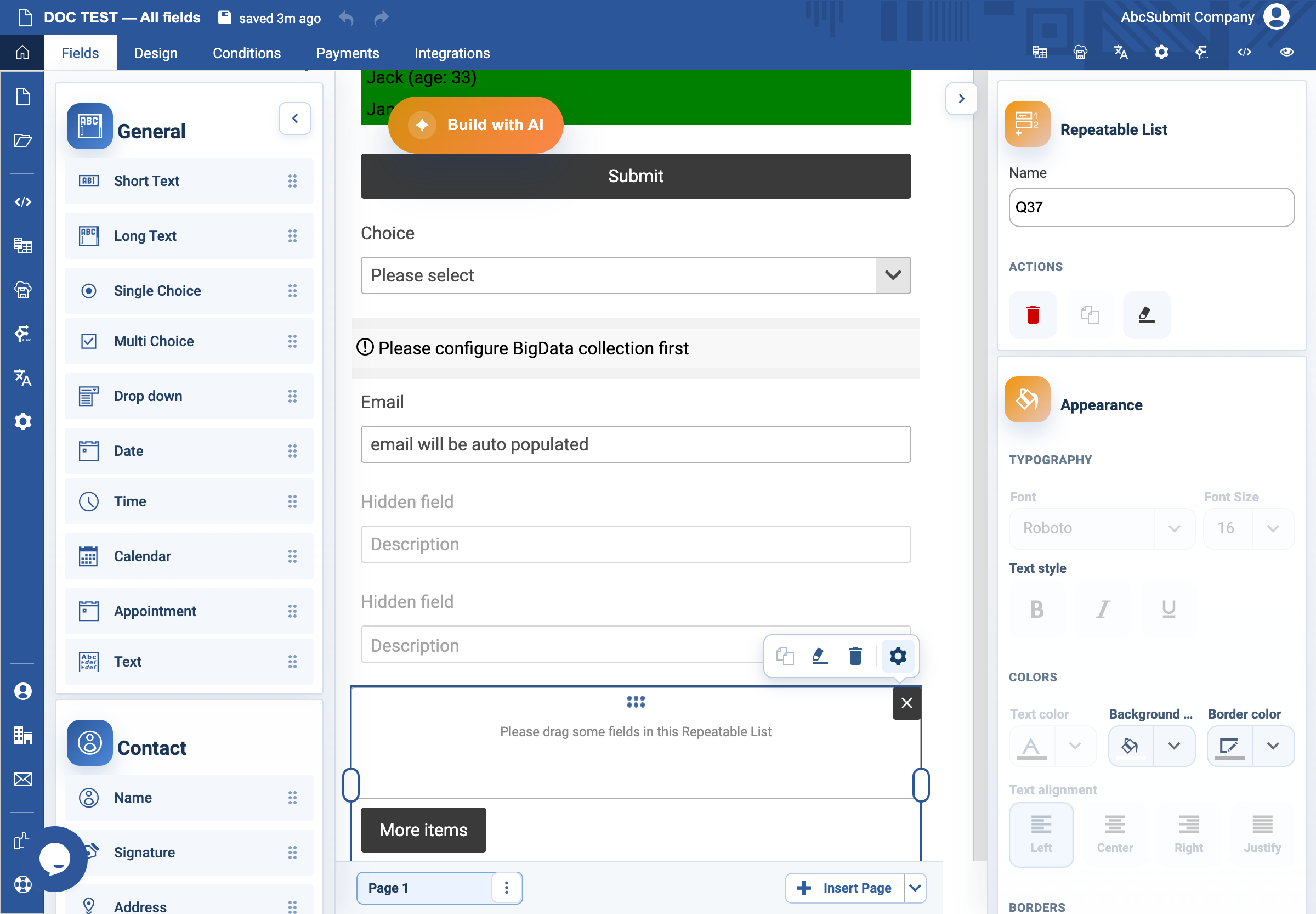
Repeatable List field
Use Repeatable List when a respondent may add the same group of fields multiple times.
Example: additional attendees
- Add the fields that make up one attendee entry, such as Name and Email, inside the repeatable group.
- Select Fields > Other > Repeatable List and arrange the group as required by the editor.
- Open Edit and set Min groups to the smallest sensible initial count, usually
1. - Set Max groups to the largest number your process can handle. It cannot be lower than the minimum.
- Preview: add an entry, remove one if available, reach the maximum, and submit several entries.
Expected result
The respondent can repeat the group within the configured limits and each repeated value remains understandable in submissions and exports.