Build forms that turn every submission into useful data
Create custom online forms, store responses in a cloud database, and give your team a cleaner way to search, review, export, report on, and act on the information people submit.
- Drag-and-drop form design
- Cloud submission storage
- Conditional logic
- Reports and exports

What is a database form builder?
A database form builder combines a visual form editor with structured submission storage. Instead of sending every response to an inbox and manually copying it into a spreadsheet, each entry becomes a consistent record that your team can review, filter, export, report on, or pass into another process.
Create the form visually
Choose the fields, layout, validation, formulas, and conditional behavior required for a lead form, survey, order, booking, application, or internal request.
Keep responses structured
Save every submission in an online form database so answers stay attached to one record instead of becoming scattered messages and files.
Search and filter entries
Work with a consistent collection of records when you need to locate a customer, compare submissions, or review a specific status.
Report on collected data
Use reports and exports to understand submission activity, share useful views, and move information into tools such as Google Sheets.
Trigger the next step
Use a submission to start notifications, approvals, task routing, scheduling, payments, or another workflow action.
Use forms on your website
Share a direct form link or publish database-backed forms on WordPress and other websites without rebuilding the data process.
How online forms and database storage work together
Design the questions
Add contact fields, choices, files, signatures, calculations, consent, and other inputs that fit your process.
Apply form logic
Show or hide fields, populate values, and calculate results based on a person’s answers.
Collect the submission
Publish the form online, embed it on your site, or use supported mobile options for field data collection.
Work with the record
Review, filter, export, report on, or route the saved entry to the people and systems that need it.
Automate follow-up
Send notifications, request approval, collect payment, create tasks, or continue through a larger business workflow.

One form platform for customer and internal data
The right setup depends on what happens after someone clicks Submit. These examples show how a form database can keep the next step organized.
| Use case | What the form collects | What happens next |
|---|---|---|
| Lead generation form with database | Contact details, interests, company information, and consent | Store the lead, notify sales, export it, or send it to another application |
| Customer intake form with database | Requirements, documents, preferences, history, and service details | Create a complete intake record for review and follow-up |
| Appointment form with database | Customer details, requested service, date, time, and notes | Review the request, update status, notify the customer, and continue to scheduling |
| Order form with database and payments | Products, quantities, buyer information, totals, and payment details | Keep the order record organized and trigger fulfillment steps |
| Survey database | Ratings, selections, written feedback, and respondent details | Filter results, export responses, and create reports |
| Internal request database | Department, request type, cost, priority, justification, and attachments | Route the record through an approval workflow |
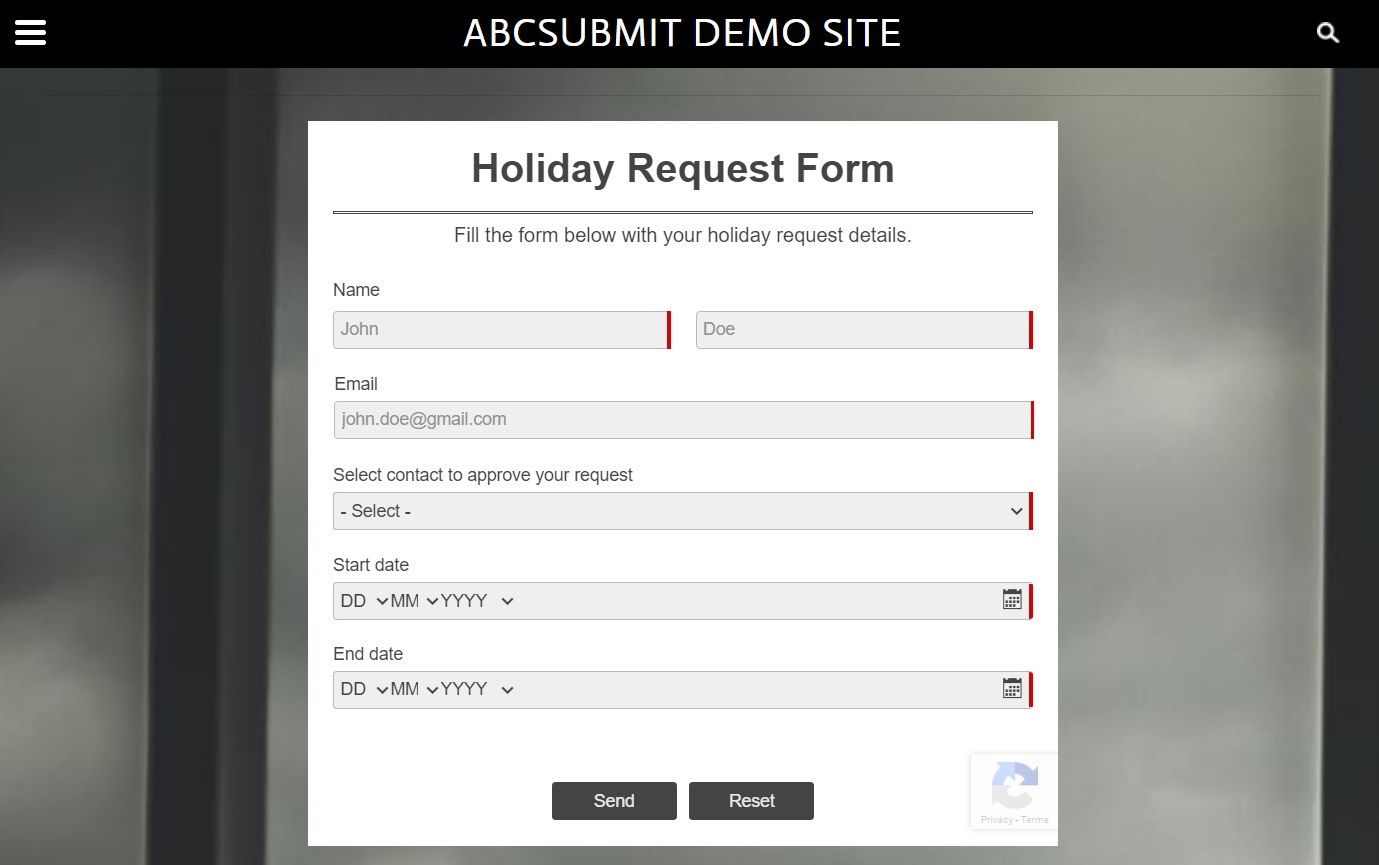
Collect data online, on WordPress, or in the field
AbcSubmit can support forms published on websites as well as mobile data collection. For teams working in locations with unreliable connectivity, its offline form capability can capture submissions and transfer them when an internet connection becomes available.
This makes a database-backed form useful for inspections, site visits, event registration, customer intake, surveys, maintenance requests, and other work that starts away from a desk.
Learn more about the online and offline data collection app or explore form automation software for approvals, notifications, tasks, and document processes.
What to decide before building your form database
A good database form begins with the records your team needs—not with a long list of fields. Use this checklist to keep the form focused and the stored data useful.
Define the data
- What information is required to create a complete record?
- Which fields should use fixed choices for consistent filtering?
- Are uploads, signatures, calculations, or location data needed?
- Which questions should appear only under certain conditions?
Define the follow-up
- Who needs access to submissions?
- Which notifications should be automatic?
- Does a record require approval, payment, or a human task?
- Should data be exported or synchronized with another tool?
Online form builder with database FAQ
Does an online form automatically save submissions to a database?
With a database-backed form platform such as AbcSubmit, submitted entries are stored as structured records that can be reviewed and used after submission.
Can I build a database form without coding?
Yes. AbcSubmit provides a visual drag-and-drop editor for creating fields, layouts, validation, conditional logic, and calculations without building the form interface from code.
Can I use a database form on WordPress?
Yes. Create the form in AbcSubmit, publish it on WordPress, and keep its submissions in the connected online database. See the WordPress form builder page for more information.
Can form data be exported to Google Sheets?
AbcSubmit supports Google Sheets integration so collected information can be synchronized and used for spreadsheet filtering, charts, and pivot-table analysis.
Can a form database start an approval workflow?
Yes. A submitted record can become the starting point for approvals, notifications, comments, task routing, timing steps, and other workflow actions.
Can I collect form data without an internet connection?
Supported mobile workflows can collect offline submissions and transfer them when connectivity becomes available, which is useful for field-based data collection.
Can I accept payments in a database-backed form?
Payment fields can be added to supported order, booking, and service forms so the transaction stays connected to the submitted record and its follow-up process.
Create a form—and keep the data useful afterward
Build a custom database-backed form for leads, intake, bookings, orders, surveys, or internal requests, then connect every submission to the next step your team needs.